
Aller au contenu principal
DocumentMS

Security & compliance

Secure document management and access control

Secure document management means controlling who can do what to which document, and being able to prove it afterwards. DocumentMS enforces role-based access per module, two-factor authentication, OIDC single sign-on, 256-bit encryption, IP restrictions, a custom password policy and logged break-glass emergency access.

Who this is for

This page is written for the people who will be asked to sign off the purchase: IT security, data protection and whoever completes vendor questionnaires.
  • Security teams assessing a document system that will hold confidential and personal data
  • Data protection officers who need to know where data sits and how erasure works
  • IT administrators who want joiners and leavers handled by the directory, not by a second admin console
  • Auditors testing whether access controls are configured as the policy claims

Capabilities

Role-based access control with real granularity

Permissions are assigned by role and applied per module, and the levels are deliberately finer than read/write. A user can be granted preview only, upload only, preview and download, editor, or a custom combination. The distinction between preview and download is the one that matters most in practice: it is the difference between letting someone read a confidential document and letting them keep a copy.

Roles are composed rather than fixed, so an auditor role can be built as read-everywhere-download-nothing without inventing a new user type. Folder permissions are inherited by the documents inside them, with per-document overrides where a genuine exception exists — and because overrides are the thing that quietly undoes a permission model, they are visible in the shared-access overview rather than buried per document.

  • Preview only, upload only, preview and download, editor, or custom per module
  • Folder-level inheritance with visible per-document overrides
  • User, role, branch and department management in one place
  • Shared-access overview showing everything currently shared and with whom
Authentication: 2FA and single sign-on

Two-factor authentication uses time-based one-time codes and can be enforced per role, so approval and administrative roles can be required to use it without imposing it on every occasional reader. Sessions use refreshable tokens, and credentials for connected systems are stored encrypted rather than in configuration.

Single sign-on runs over OIDC with Microsoft Entra ID, Okta and Google Workspace. SSO is not primarily a convenience feature here: it is how leavers lose access. When a directory account is disabled, the user cannot authenticate to DocumentMS, which removes the gap between an HR leaver process and a document system nobody remembered to update.

Encryption, transport and network restrictions

Documents are encrypted at rest with 256-bit encryption and in transit over TLS. Where you use your own storage backend — an S3 bucket or Azure container in your account — key management and immutability policies remain under your control and your logging.

Access can be restricted to known networks by IP, per user or per role. This is a blunt control and it suits blunt requirements: a role that only ever operates from an office or a VPN should not be usable from anywhere else, and saying so in configuration is stronger than saying so in a policy.

Password policy you set, not one we chose

Minimum length, complexity requirements, rotation interval and reuse history are configurable. We have an opinion — length beats complexity, and forced rotation on a short cycle produces worse passwords, not better ones — but the requirement usually comes from a framework you are being audited against rather than from first principles, so the policy is yours to set.

Backups and recovery

Three independent backup copies are maintained. The number matters less than the practice around it: a backup that has never been restored is a hypothesis, so restore testing is part of the operating routine rather than an annual exercise.

Recovery point and recovery time objectives, and the region each backup copy is held in, are set out in the trust centre. Those are commitments rather than capabilities, which is why they belong on a page you can hold us to.

Break-glass access, logged and alerted

There are genuine situations where someone needs access they do not normally hold: an investigation, an incapacitated document owner, a live incident. Pretending otherwise produces the worse outcome, where an administrator quietly grants themselves permissions and nobody notices.

Break-glass access is therefore an explicit, time-boxed grant that raises an alert when it is used and is recorded in the audit trail as a distinct event type. It is designed to be visible rather than convenient, which is the correct trade-off for a control of last resort.

GDPR request handling

Subject access requests need every document mentioning a person to be findable, and erasure requests need a deletion that is genuine and evidenced. Search across contents and metadata covers the first; permanent deletion with an audit entry covers the second.

Erasure interacts with retention, and the interaction is not always in the subject’s favour: a record held under a statutory retention obligation cannot simply be deleted on request. DocumentMS surfaces the retention rule attached to a document when an erasure action is attempted, so the decision is made with the conflict visible rather than discovered later.

In the product

What this looks like in use

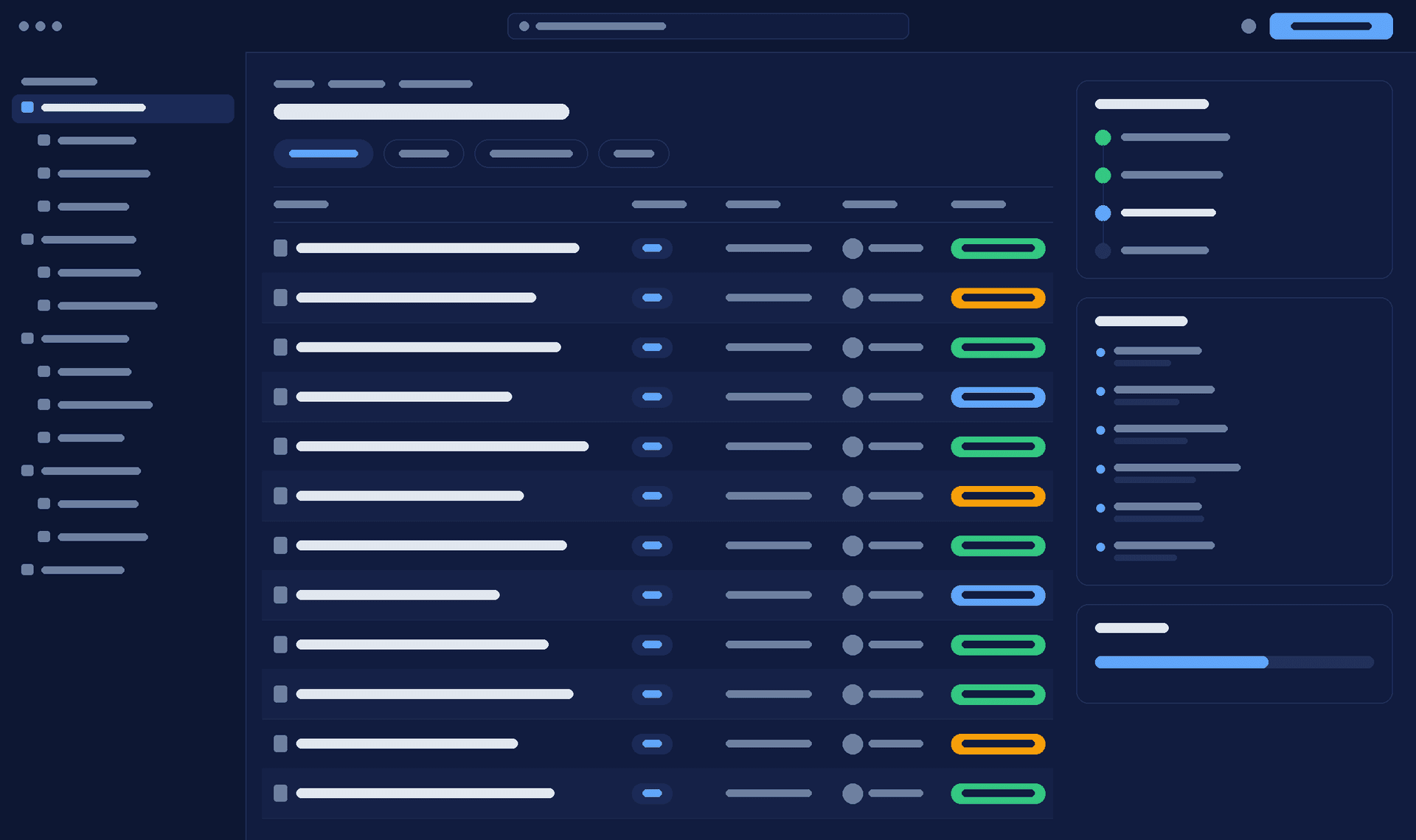
DocumentMS role permissions screen showing per-module access levels for a role, with preview, download, upload and edit rights set independently
client verification — interface wireframe. Replace with a capture of the real permissions screen.

How it works

How access is decided

Four checks run on every request for a document, in this order.
  1. Step 1: Authenticate

    The session is validated — through OIDC single sign-on or local credentials with two-factor authentication where the role requires it.

  2. Step 2: Locate

    The request is resolved against the user’s branch or department scope, so a multi-entity tenant cannot return another entity’s documents.

  3. Step 3: Authorise

    The role’s per-module permission level is applied, together with any folder inheritance and per-document override, and network restrictions are checked.

  4. Step 4: Record

    The outcome — granted or refused — is written to the immutable audit trail with the user, timestamp, source address and document version.

Specifications

Technical specifications

The numbers a technical evaluation asks for, stated rather than described. Where a limit is configurable, the default and the ceiling are both given.
Security specifications
PropertyValue
Encryption at rest256-bit
Encryption in transitTLS
Permission levelsPreview only, upload only, preview and download, editor, custom per module
Permission inheritanceFolder to document, with visible per-document overrides
Two-factor authenticationTime-based one-time codes, enforceable per role
Single sign-onOIDC — Microsoft Entra ID, Okta, Google Workspace
Network restrictionsIP allow-listing per user or role
Password policyConfigurable length, complexity, rotation and reuse history
BackupsThree independent copies with documented restore testing
DeletionAdministrator-only recycle bin; permanent delete logged separately
Emergency accessTime-boxed break-glass grant, alerted and audited as a distinct event
Credential storageConnected-system credentials encrypted at rest
Session handlingRefreshable tokens with configurable session lifetime
CertificationsControls are implemented and internally audited against ISO 27001 Annex A, the SOC 2 Security and Confidentiality criteria and the Cyber Essentials control areas. No third-party certificate is held yet; the trust centre states the position for each
Penetration testingAnnual third-party testing of the application, API and tenant isolation boundary, plus a retest after any change to authentication or storage. Executive summary with remediation status available under NDA
Data residencyPlatform storage in Ireland, Frankfurt, N. Virginia, Cape Town or Singapore, fixed at provisioning. On Enterprise, your own S3 bucket or Azure container in any region you nominate

Security

What this module does not do

A security page that only lists capabilities is not much use during a vendor assessment, so these are the boundaries.

Read the trust centre

  • Watermarking marks a document’s status; it does not prevent a screenshot and we do not present it as a leakage control
  • Preview-only permission prevents download through the application; it cannot prevent a determined user photographing a screen
  • Encryption at rest protects stored bytes; it does not protect against a compromised authorised account, which is what 2FA and IP restrictions are for
  • ISO 27001 certifies a management system, not a product — our controls support your ISMS but do not constitute one

FAQ

Security & compliance: common questions

Answers to what procurement, IT and compliance teams ask us about this module.
Can a user be allowed to read a document but not download it?

Yes — preview only is a distinct permission level from preview and download. It prevents download through the application, which covers the ordinary case of a contractor or auditor who needs to read but should not retain a copy. It cannot stop someone photographing a screen, and any vendor claiming otherwise is overstating.

How are leavers removed from the system?

Through your directory, if you use single sign-on. Disabling the account in Entra ID, Okta or Google Workspace means the user can no longer authenticate to DocumentMS, so there is no separate leaver step to forget. Without SSO, deactivation is a local administrative action and should be part of your offboarding checklist.

Where is our data stored?

That depends on the storage backend you configure and the region you select for it. Platform-managed storage runs in Ireland, Frankfurt, N. Virginia, Cape Town or Singapore, fixed when the tenant is provisioned. On Enterprise you can point the tenant at your own S3 bucket or Azure Blob container in any region you nominate, and the document bytes never leave your account. Worth knowing either way: metadata, the search index and the audit trail stay in the platform region even when document bytes sit in your own bucket, which is the exception most residency commitments leave implied.

What is break-glass access and who can use it?

A time-boxed grant of access a user does not normally hold, for investigations, incidents or an incapacitated document owner. It raises an alert when used and is recorded in the audit trail as its own event type. It exists because the alternative — an administrator quietly widening their own permissions — is far harder to detect.

Does DocumentMS make us ISO 27001 compliant?

No, and no product can. ISO 27001 certifies an information security management system: your scope, risk assessment, policies and controls. DocumentMS provides evidence for several Annex A controls — access control, logging and monitoring, secure disposal, documented information — which shortens the work considerably, but the ISMS remains yours.

Une session de 30 minutes avec un ingénieur avant-vente, sur une arborescence et une chaîne d'approbation proches des vôtres — pas un environnement de démonstration générique.