
Aller au contenu principal
DocumentMS

Core repository

Un logiciel de gestion documentaire construit autour des versions

Document management software stores files in a structured repository rather than a folder tree on a server. DocumentMS adds category and folder hierarchies, physical location tracking, check-out and check-in to prevent concurrent edits, unlimited version history, automatic numbering and duplicate detection by content hash.

Who this is for

The repository is the module every other one depends on, but it matters most to the people who currently spend their day looking for things.
  • Teams working from network shares where the current version is whichever file has the newest date
  • Organisations with several entities or branches whose documents must stay separated but centrally administered
  • Anyone maintaining a physical archive alongside a digital one and needing both to be findable from one place
  • Administrators who have to answer "who deleted this, and can we get it back" without a backup restore

Capabilities

A versioned repository, not a shared drive

Every document in DocumentMS is a record with a history rather than a file with a name. Uploading a revision creates a new version and leaves the previous one intact and retrievable, so "final_v3_revised_FINAL.docx" stops being a filing convention. The current version is marked unambiguously; superseded versions remain readable but are clearly labelled as superseded, which is the distinction quality and safety auditors test for.

Version history is unlimited. That sounds like a storage decision, but it is really a legal one: once you start pruning history you have to be able to justify what was pruned and when, and the cost of keeping it is almost always lower than the cost of explaining its absence.
Categories, folders and document locations

Documents are organised by category and folder, which most teams can map from their existing structure on day one. That deliberate familiarity is why we did not go metadata-only: a taxonomy nobody recognises gets worked around, and a worked-around system stops being the record.

Alongside the digital hierarchy, document locations track where a physical original lives — building, room, cabinet, box — including its history as it moves. Boxes get relocated during office moves and the paper trail is usually the first casualty; recording location as data rather than as a label on a shelf means an original can still be produced years later.

  • Quick inline folder creation, so structure can be built while filing rather than in advance
  • Physical location tracking with full movement history
  • Branch and subsidiary separation with central administration
  • Links between related files and folders, so a contract and its amendments stay connected

Check-out and check-in, so two people cannot both be right

Checking a document out locks it for editing and tells everyone else who holds it. When it is checked back in, the edit becomes a new version with an author and a timestamp. The alternative — everyone editing a copy and reconciling later — is how organisations end up with two documents that both look authoritative.

Check-out state is visible in the repository listing, not buried in a properties dialog, because the value of a lock is that people can see it before they start work.

Automatic numbering and watermarking

Document numbers are generated by the system according to rules you configure per document type, which removes the two failure modes of manual numbering: duplicates and gaps. Numbering that is consistent is what makes a document referenceable in a procedure, a contract or an audit finding.

Watermarking applies a visible marker to previews and downloads — draft status, confidentiality level, recipient identity — so a document that leaves the system still carries its context. It is not a security control on its own, and we do not present it as one; it is a way to make the status of a printed page obvious to whoever is holding it.

Duplicate detection by content, not filename

Every uploaded file is hashed, and a matching hash flags the upload as a duplicate of an existing document regardless of what it has been renamed to. This matters more than it sounds: duplicated documents are the main reason storage bills grow without anyone deciding to grow them, and they are how a superseded version gets circulated as current.

Detection is a prompt, not a block. There are legitimate reasons to hold the same bytes in two places — a contract filed under both parties, for instance — so the system tells you and lets you decide, then records the decision.

Deletion you can recover from

Deleting a document moves it to a recycle bin visible only to account administrators. Ordinary users cannot see or restore the contents of the bin, which is what stops it becoming a shadow repository, and administrators can restore a document with its version history and audit trail intact.

Permanent deletion is a separate, logged action. It exists because retention schedules and erasure requests sometimes require genuine destruction, and a system that cannot actually delete anything fails a different set of obligations from one that deletes too easily.

Getting documents in without manual filing

Documents arrive by upload, by drag and drop, from a scanner, from a watched mailbox that files an email and its attachments into a specific folder, or generated from a template. URLs can be stored and embedded alongside documents, so a reference to a standard hosted elsewhere sits in the same folder as the procedure that cites it.

Whatever the route in, the same things happen on arrival: the file is numbered, hashed against what is already there, OCR-processed if it needs it, and subjected to the retention rule of its document type.

In the product

What this looks like in use

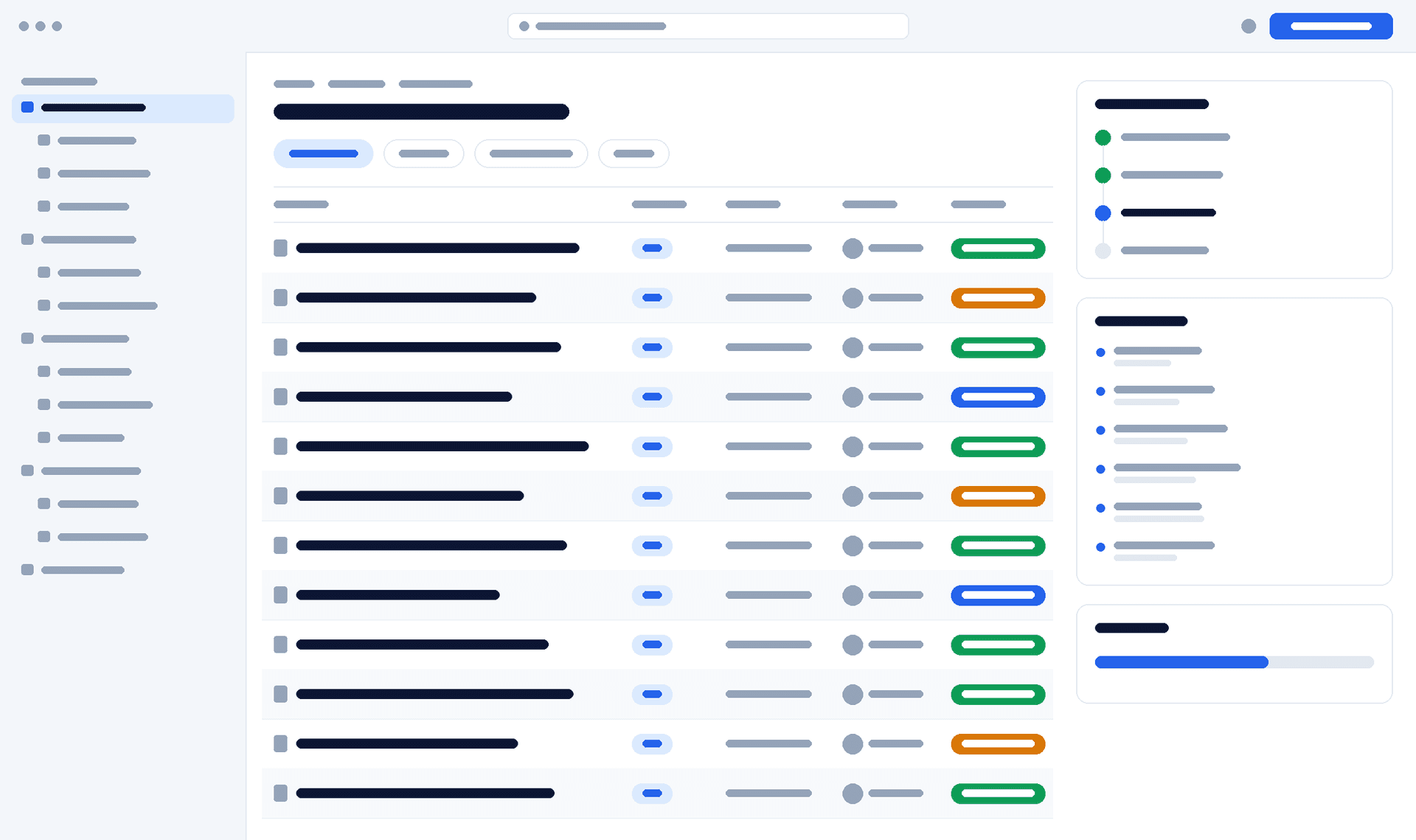
DocumentMS repository listing showing a folder tree, document versions, owners and approval status for each record
client verification — interface wireframe. Replace with a capture of the real repository view.

How it works

How a document enters the repository

Four steps run on every document, whether it arrived from a scanner or an API call.
  1. Step 1: Capture

    The file is uploaded, dragged in, imported from a watched mailbox, scanned, or generated from a template into a specific category and folder.

  2. Step 2: Identify

    A document number is assigned from the rules for its type, the content is hashed and checked against existing documents, and AI proposes a classification you can accept or change.

  3. Step 3: Index

    OCR extracts text from images and image-only PDFs, custom metadata fields are applied, and everything is written to the search index.

  4. Step 4: Govern

    Permissions are inherited from the folder, the retention rule for the document type attaches, and the first audit trail entry is written.

Specifications

Technical specifications

The numbers a technical evaluation asks for, stated rather than described. Where a limit is configurable, the default and the ceiling are both given.
Repository specifications
PropertyValue
Version historyUnlimited versions retained per document
Duplicate detectionContent hash comparison on upload
Document numberingAutomatic, configurable per document type
Physical trackingLocation records with full movement history
Deletion modelAdministrator-only recycle bin, plus logged permanent delete
Multi-entityBranch and subsidiary separation under central administration
Storage backendsLocal disk, Amazon S3, Azure Blob Storage — switchable at runtime
Import routesUpload, drag and drop, scanner, email-to-folder, template generation, REST API
Maximum file size250 MB per file as standard, raisable to 5 GB on Enterprise for CAD, video and imaging sets
Supported file typesAny file type can be stored. In-browser preview covers PDF, Office, images, CAD (DWG, DXF), email (MSG, EML) and common video; OCR covers PDF, TIFF, JPEG, PNG and scanned Office documents

Security

Security notes

Repository permissions are the foundation of everything else, because a retention rule on a document anyone can copy elsewhere is decoration.

Read the trust centre

  • Folder permissions are inherited by documents and can be overridden per document where a genuine exception exists
  • Permission levels are granular: preview only, upload only, preview and download, editor, or a custom combination per module
  • Every view, download, version, move, share and deletion is written to the immutable audit trail
  • The recycle bin is visible only to account administrators, so deletion is recoverable without being reversible by the person who did it

FAQ

Document management: common questions

Answers to what procurement, IT and compliance teams ask us about this module.
Can we keep our existing folder structure?

Yes, and for a first rollout we usually recommend it. Migrating structure and behaviour at the same time makes it impossible to tell which change caused a problem. Bring the structure across, get people using the system, then reshape the taxonomy once you can see how it is actually used.

What happens to old versions when someone uploads a revision?

They are retained in full and remain openable, but they are labelled as superseded and the current version is marked unambiguously. Nothing is overwritten, so a superseded version can still be produced as evidence of what was in force at a given date.

How does duplicate detection handle a document that legitimately belongs in two places?

It flags the match and lets you proceed. Rather than a second copy, the usual answer is a link between the two folders so both routes lead to the same record with one version history — but the choice is yours, and whichever you pick is recorded.

Can a deleted document be recovered?

Deleted documents go to a recycle bin that only account administrators can see, and can be restored with their version history and audit trail intact. Permanent deletion is a separate action, also logged, for retention disposal and erasure requests.

Do we need a separate system for physical files?

No. Document locations record where a physical original is held and every move it has made, so a search returns both the digital record and the shelf reference for the paper. That is usually cheaper and more reliable than scanning an archive nobody reads.

Une session de 30 minutes avec un ingénieur avant-vente, sur une arborescence et une chaîne d'approbation proches des vôtres — pas un environnement de démonstration générique.