
Zum Hauptinhalt springen
DocumentMS

Audit & reporting

Document audit trail and compliance reporting

A document audit trail is an append-only record of every action taken on a document. DocumentMS logs views, downloads, edits, versions, shares, signature requests, permission changes, deletions and restores with the acting user, timestamp, source address and affected version, and exports the result for an audit sample.

Who this is for

The audit trail is the module nobody asks about during a demo and everybody needs during an audit.
  • Internal auditors and quality managers preparing an evidence pack for a sample
  • Compliance functions answering "who accessed this record and when"
  • IT administrators explaining a storage bill or identifying duplicated content
  • Anyone who has had to reconstruct a document’s history from email and memory

Capabilities

Append-only, and what that actually means

The audit trail records every action taken on every document and cannot be edited from the application — not by a user, not by an administrator, not through the API. Entries are added, never amended or removed. That property is the whole value: a log an administrator can tidy is a log that proves nothing about administrator behaviour, which is exactly the behaviour an auditor is most interested in.

Each entry carries the acting user, the timestamp, the source IP address, the action, the affected document and the specific version it applied to. Version-level precision is what lets you answer the question auditors actually ask, which is not "was this approved" but "was the version in use at that date the approved one".
Every action, not the interesting ones

Views and downloads are logged as well as edits. This is a deliberate choice and it produces a lot of entries, but access is the event that matters in a confidentiality investigation, and a system that logs only changes cannot tell you who read a record before it leaked.

Permission changes, share creations, signature requests, workflow decisions, deletions and restores are all recorded as distinct event types, so filtering the trail is useful rather than an exercise in reading everything.

  • View, download, preview, upload, new version, check-out and check-in
  • Move, rename, link, watermark and metadata change
  • Permission change, share created and revoked, break-glass grant and use
  • Signature requested, opened, signed, declined and expired
  • Workflow step approved, rejected, reassigned and escalated
  • Deletion to recycle bin, restore, and permanent deletion

Export as evidence

An audit sample usually means "everything that happened to these twelve documents between these dates", and it usually needs to leave the system as a file that goes in an evidence pack. The trail exports filtered by document, folder, user, action type or date range.

Export is itself an audited action, which sounds recursive but is the point: knowing who took a copy of the access log is part of controlling access to it.

Dashboards that answer operational questions

The dashboard reports storage consumption, activity levels, pending signatures and document throughput. These are the numbers that drive day-to-day decisions — whether an approval queue is backing up, whether one team is generating most of the storage growth, whether signature requests are being chased.

Real-time notifications over WebSocket mean counts update as things happen rather than on a page refresh, and users can watch a document or folder to be notified of changes without being a participant in its workflow.

Reports for the questions that recur

Three reports cover most recurring requests. Storage usage attributes consumption by folder, entity and document type, which is how you answer a finance question about growth with data rather than a shrug. User activity shows what each account has done over a period, which is the starting point for an access review. Duplicate documents lists content-hash matches, which is usually the cheapest storage saving available and, more importantly, finds the places where a superseded version is circulating as current.

A shared-access overview lists everything currently shared and with whom, including external signing links. Shares accumulate silently and are the most common way a permission model degrades; seeing them in one list is what makes them reviewable.

In the product

What this looks like in use

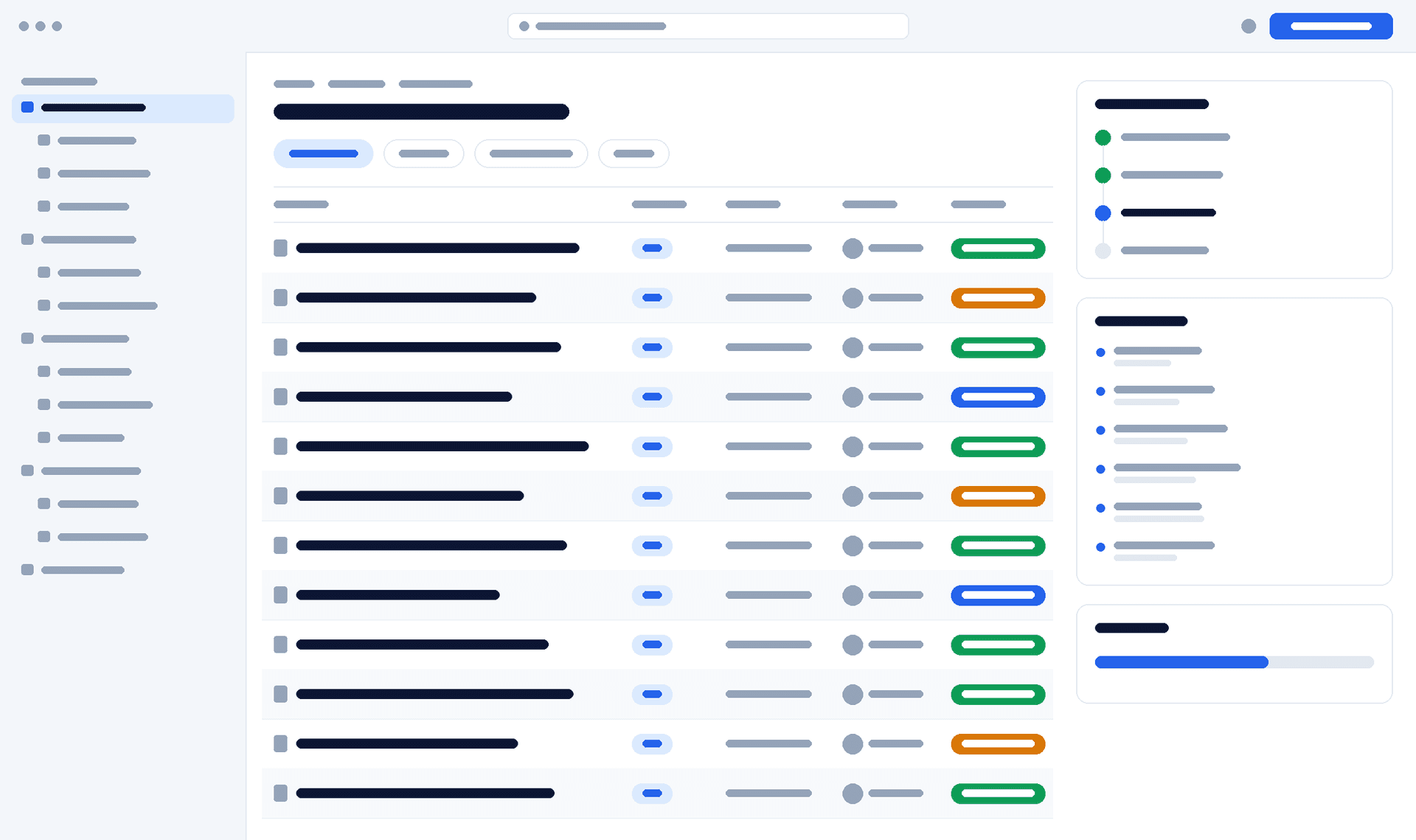
DocumentMS dashboard showing storage consumption, pending signature count, recent activity and the audit trail for a selected document
client verification — interface wireframe. Replace with a capture of the real dashboard and audit trail.

How it works

How an audit sample is produced

The sequence below is what an evidence request looks like in practice.
  1. Step 1: Scope

    Identify the documents in the sample — by folder, document type, retention class or a saved search that can be re-run later.

  2. Step 2: Filter

    Narrow the trail by date range, action type or user, depending on whether the question is about approval, access or change.

  3. Step 3: Verify

    Confirm for each document which version was approved, when, by whom, and which versions it superseded.

  4. Step 4: Export

    Export the filtered trail alongside the document versions themselves. The export is recorded in the trail as its own entry.

Specifications

Technical specifications

The numbers a technical evaluation asks for, stated rather than described. Where a limit is configurable, the default and the ceiling are both given.
Audit and reporting specifications
PropertyValue
MutabilityAppend-only; entries cannot be edited or deleted from the application
Entry fieldsActing user, timestamp, source IP, action type, document, version
Logged actionsAccess, change, permission, share, signature, workflow, deletion and restore events
Access loggingViews and downloads recorded, not only modifications
FilteringBy document, folder, user, action type and date range
ExportFiltered export for evidence packs; the export itself is audited
DashboardsStorage consumption, activity, pending signatures, document throughput
Standard reportsStorage usage, user activity, duplicate documents
Shared-access overviewAll active shares and external signing links in one list
NotificationsReal time in-app over WebSocket, plus email; per-document watch
Retention of trailRetained for the life of the tenant plus 7 years by default, configurable upward per record class. The trail always outlives the documents it describes
Export formatsCSV, JSON and a signed PDF suitable for submission to an auditor or a court
SIEM forwardingSigned webhooks in near real time, plus a cursor-based REST endpoint for scheduled pulls. Tested against Splunk, Microsoft Sentinel and Elastic

Security

Security notes

An audit trail is a security control and a security liability at the same time, because it is a detailed record of who looked at what.

Read the trust centre

  • The trail cannot be edited or deleted through the application by any role, including account administrators
  • Access to the trail is itself permissioned, and reading it is recorded
  • Exports are logged with the user and the filter applied, so a copy of the access log is traceable
  • Break-glass access appears as a distinct event type and raises an alert, rather than blending into ordinary access entries
  • Entries reference document versions, so the trail remains meaningful after a document is superseded or deleted

FAQ

Audit trails & reporting: common questions

Answers to what procurement, IT and compliance teams ask us about this module.
Can an administrator delete audit entries?

No. The trail is append-only and cannot be edited or deleted through the application by any role. That restriction is the reason the trail has evidential value: a log that privileged users can tidy tells you nothing about privileged user behaviour.

Are document views logged, or only changes?

Views and downloads are logged as well as changes. It produces a high volume of entries, but access is the event that matters in a confidentiality investigation — a system that records only modifications cannot tell you who read a record before it appeared somewhere it should not have.

How long are audit entries kept?

Entries are retained for the life of the tenant plus 7 years, and that floor is configurable upward per record class where a regulator requires longer. The trail deliberately outlives the documents it describes, because questions about a disposal almost always arrive after the disposal — an audit record that was destroyed alongside its document cannot answer the one question it existed for.

Can we get the audit trail into our SIEM?

Webhooks push document, permission and signature events outward as they happen, signed so the receiver can verify origin, and the REST API exposes a cursor-based endpoint for scheduled ingestion. There is no vendor-specific streaming connector: the webhook and cursor pair is what we have tested against Splunk, Microsoft Sentinel and Elastic, and it avoids a connector that only works until the SIEM changes its ingest format.

What does the duplicate documents report actually help with?

Two things. The obvious one is storage cost. The more valuable one is document control: a content-hash match across two folders often means a superseded version is being circulated as current in one of them, which is a finding rather than a housekeeping task.

Eine 30-minütige Sitzung mit einem Solutions Engineer, mit einer Ordnerstruktur und Freigabekette, die Ihren ähneln — kein allgemeiner Demo-Mandant.