
DocumentMS

Workflows

Document workflow automation and approval chains

Document workflow automation replaces approval-by-email with a configured path. In DocumentMS a workflow template defines the steps and the approval chain; each running instance records step history, reassignment and comments, sends reminders, and gives every user a personal queue of what is waiting on them.

Who this is for

Workflow is what separates a document store from document control, and it is usually bought by whoever is accountable when an approval cannot be evidenced.
  • Quality managers running controlled documents under ISO 9001, ISO 27001 or IATF 16949
  • Finance teams applying approval thresholds to invoices and purchase documentation
  • Compliance and HR functions that must show every employee acknowledged a policy version
  • Any team where approvals currently happen in email and are reconstructed from mailboxes afterwards

Capabilities

Templates that define the path once

A workflow template describes the steps a document type must pass through and who approves each one. Configure it once and every document of that type follows the same path, which is the point: consistency is what an auditor samples for, and consistency is impossible when each approval is arranged individually.

Templates are built visually rather than in configuration files, so the person who owns the process can change it without raising a ticket. That matters because a process that is hard to change is a process that gets bypassed.
Approval chains, sequential or parallel

A step can require one named approver, anyone holding a role, or several approvers in sequence or in parallel. Sequential chains suit escalating authority — a manager then a director then a committee. Parallel steps suit independent review, where legal and technical sign-off do not depend on each other and forcing them into a queue only adds days.

Approval thresholds can vary by a metadata value, so an invoice under a limit clears with one approval while one above it routes to a second. Encoding the threshold in the workflow rather than in a policy document is the difference between a rule and a hope.

  • Named-user, role-based or committee approval per step
  • Sequential and parallel steps in the same template
  • Conditional routing driven by metadata such as value, entity or document type
  • Automatic triggers, so a document entering a folder starts its workflow without anyone remembering to

Instances with a complete step history

Each document running through a template is an instance with its own state. The instance records who acted at each step, when, what they decided and any comment they left. Reassignment is explicit and logged, which is how you handle the reality of holidays and leavers without the trail going quiet.

Every user has a personal queue of the instances waiting on them. A workflow whose participants have to go looking for their tasks is one that stalls, and stalled approvals are the reason document control projects lose credibility in their first quarter.

Reminders, escalation and the awkward middle

Reminders go out on a schedule you set per template, and an unactioned step can escalate to a named alternative. This is unglamorous and it is where most of the value sits: the difference between a two-day approval and a two-week one is almost never the approver’s decision time.

Notifications arrive in the application in real time over WebSocket and by email, and users can watch a document to receive updates without being a participant in its workflow.

Policy acknowledgement as a workflow

Acknowledgement is a workflow with one step repeated across a population: publish a policy version, require every affected user to attest they have read it, and track completion. The record is per named user against a specific version, which is what makes it evidence rather than a claim that "the policy was circulated".

When a policy is superseded, the acknowledgement requirement can be reissued automatically, because an attestation against version 3 says nothing about version 4.

Retention automation at the end of the path

A workflow does not stop at approval. Retention policy automation attaches the appropriate retention rule when a document reaches its approved state, sets the disposition review date, and raises a review task when that date arrives rather than deleting silently.

Treating retention as the last step of the workflow rather than a separate administrative exercise is what keeps a retention schedule accurate a year after it was written.

In the product

What this looks like in use

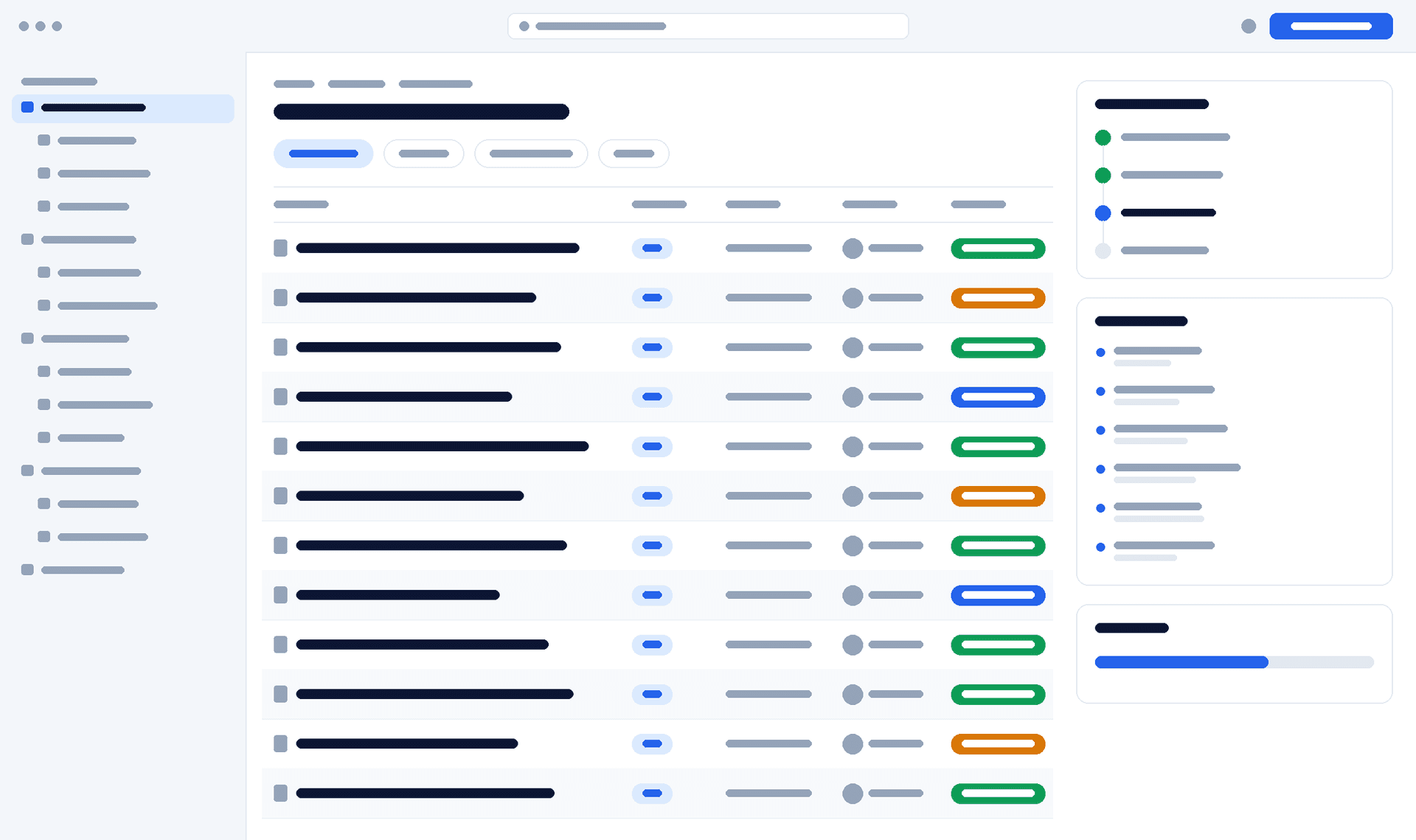
DocumentMS workflow instance showing a four-step approval chain with two steps complete, the current approver highlighted and the step history beside it
client verification — interface wireframe. Replace with a capture of the real workflow instance view.

How it works

How a workflow runs

Configuration happens once; the four steps below happen on every document of that type.
  1. Step 1: Define

    Build a template: the steps, the approver for each, whether steps run in sequence or parallel, the reminder schedule and any conditional routing.

  2. Step 2: Trigger

    A document entering a folder, reaching a status, or being created from a template starts an instance automatically — or a user starts one manually.

  3. Step 3: Approve

    Each approver sees the item in their queue, opens the exact version under review, and approves, rejects or reassigns with a recorded comment.

  4. Step 4: Close

    On completion the version is locked as approved, superseded versions are marked, the retention rule attaches and a disposition review date is set.

Specifications

Technical specifications

The numbers a technical evaluation asks for, stated rather than described. Where a limit is configurable, the default and the ceiling are both given.
Workflow specifications
PropertyValue
Template designVisual editor; steps, approvers and conditions configurable without code
Approver typesNamed user, role, or multiple approvers per step
Step modesSequential, parallel, or mixed within one template
Conditional routingDriven by metadata values such as amount, entity or document type
TriggersFolder entry, status change, template generation, manual start, REST API
Instance recordPer-step actor, timestamp, decision, comment and reassignment history
User queue"My workflow instances" showing everything awaiting the signed-in user
RemindersConfigurable schedule per template, with escalation to an alternative approver
NotificationsIn-app in real time over WebSocket, plus email
AcknowledgementPer-user attestation against a specific document version, reissued on supersession
Concurrent instancesNo fixed ceiling on simultaneous running instances; throughput is governed by the tier’s processing allowance rather than by an instance count
Workflow versioningIn-flight instances finish on the template version they started under. A change applies to instances started after it, so an approval already in progress cannot have its route altered beneath it

Security

Security notes

An approval is a security-relevant assertion, so the controls here concern who can make one and who can change the rules.

Read the trust centre

  • Approving requires the approver’s own authenticated session; approvals cannot be recorded on someone’s behalf
  • Two-factor authentication can be required for roles that hold approval authority
  • Editing a workflow template is itself an audited action, so a weakened approval chain is visible after the fact
  • Reassignment is explicit and logged with the reason, rather than a silent substitution
  • A completed approval locks the version it applied to; corrections create a new version and a new instance

FAQ

Workflow automation: common questions

Answers to what procurement, IT and compliance teams ask us about this module.
How much configuration does a first workflow need?

Less than most teams expect, and we would actively discourage more. Start with one document type, the approval chain you already use, and a reminder schedule. Conditional routing and parallel steps are worth adding once you can see where instances actually stall — designing for them upfront usually encodes a process nobody follows.

What happens when an approver leaves or is on holiday?

The step can be reassigned, which is logged with a reason, or a reminder schedule can escalate it to a named alternative automatically. Both are visible in the instance history, so the trail does not go quiet at the point a person changed.

Can approval thresholds differ by value?

Yes. Conditional routing reads a metadata field — invoice amount, contract value, entity — and selects the path. An invoice below a limit clears with one approval; above it, a second approver is added automatically.

How do we prove every employee acknowledged a policy?

Acknowledgement is recorded per named user against a specific document version, with a timestamp. Completion is reported as a list of who has and has not attested, and when a new version is published the requirement can be reissued, because an attestation against the previous version proves nothing about the current one.

Does a workflow have to end in an approval?

No. A workflow can end in a signature request, in publication to a distribution list, in generation of a related document, or in the attachment of a retention rule with its disposition review date. Approval is the most common terminal step, not the only one.

A 30-minute session with a solutions engineer, using a folder structure and approval chain that resemble yours — not a generic demo tenant.