
DocumentMS

e-Forms & generation

e-Forms and document generation software

Document generation software produces a finished document from a template and structured data instead of a copied file. DocumentMS captures the data through a custom e-form, merges it into an approved template, and files the output in the repository already numbered, versioned and subject to its retention rule.

Who this is for

Generation is for the documents you produce repeatedly from the same handful of variables — which, in most organisations, is most of them.
  • HR teams issuing offer letters, contract variations and reference letters
  • Operations teams producing certificates, permits to work and inspection records
  • Sales and legal teams generating agreements from an approved template rather than last quarter’s copy
  • Anyone whose "template" is currently a previous document with the names changed

Capabilities

Forms that capture the data once

A custom e-form defines the fields a process needs, with types, validation and mandatory rules. The submitted values become metadata on the resulting document, so the data is queryable and reportable rather than trapped in prose.

This is the inversion that makes generation worthwhile. Ordinarily someone opens a previous document, changes the names, and the structured facts — value, term, jurisdiction — exist only as words inside a file. Capturing them first means the same values populate the document, the metadata, the retention trigger and any downstream report.

  • Text, number, date, currency, select and multi-select fields
  • Validation and mandatory rules enforced at submission
  • Conditional fields that appear only when relevant
  • Submitted values written to document metadata, not just into the output
Generation from an approved template

Templates are documents in the repository, which means they are versioned, permissioned and subject to approval like anything else. Generation always uses the current approved version, so a superseded clause cannot be reintroduced by someone working from an old copy on their desktop.

That single property removes the most common source of contractual drift. When the legal team updates a liability clause, every document generated afterwards carries it, and the audit trail shows which template version produced which output.

Output that is already a controlled record

A generated document arrives in the repository numbered, versioned, classified, permissioned and carrying the retention rule for its type. It is not a file that someone then has to file — the filing already happened, which is the difference between a generation feature and a mail merge.

From there it can flow straight into an approval workflow and a signature request, so the path from "we need to issue this" to "it is signed and retained" runs without a manual handover.

Where this replaces a spreadsheet

Many organisations run a parallel spreadsheet that tracks the facts about documents — which contracts renew when, which certificates expire, who holds which permit. That spreadsheet exists because the documents themselves are unqueryable.

When the data is captured through a form and written as metadata, the spreadsheet becomes a saved search. That removes the reconciliation problem entirely: there is no longer a second source of truth to drift out of step with the first.

In the product

What this looks like in use

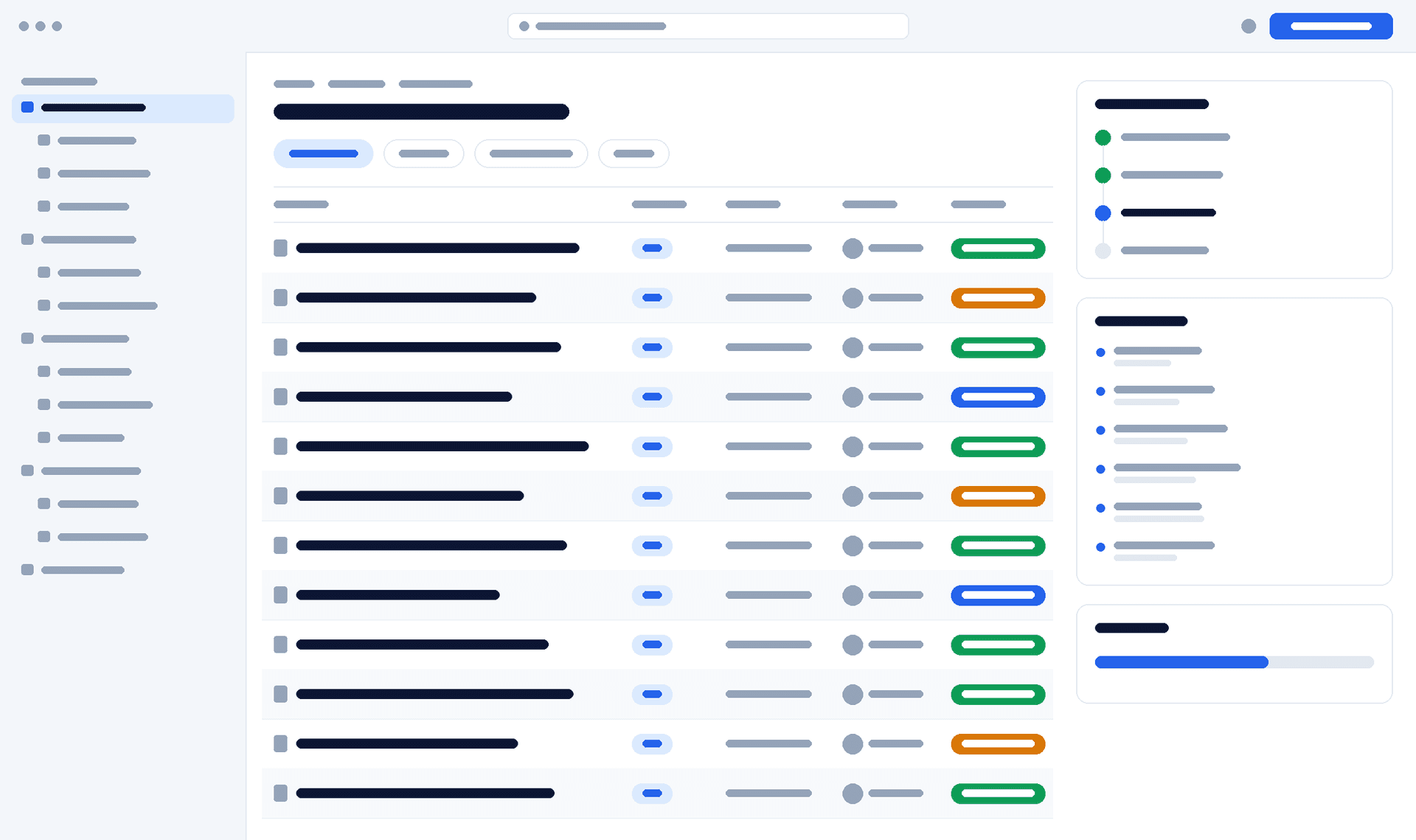
DocumentMS e-form capturing structured fields alongside the approved template that will be used to generate the resulting controlled document
client verification — interface wireframe. Replace with a capture of the real e-form and generation view.

How it works

How a document is generated

Four steps, of which the last three require no further human input.
  1. Step 1: Capture

    A user completes the e-form. Validation and mandatory rules apply at submission, so incomplete data cannot produce a document.

  2. Step 2: Merge

    The values are merged into the current approved version of the template. The template version used is recorded against the output.

  3. Step 3: File

    The output is created in the repository with a document number, its document type, permissions inherited from its folder, and the submitted values written as metadata.

  4. Step 4: Route

    The retention rule for its type attaches, and any workflow configured for that type starts — typically approval, then a signature request.

Specifications

Technical specifications

The numbers a technical evaluation asks for, stated rather than described. Where a limit is configurable, the default and the ceiling are both given.
e-Forms and generation specifications
PropertyValue
Form field typesText, number, date, currency, single-select, multi-select
ValidationMandatory rules and field-level validation enforced at submission
Conditional logicFields shown or hidden based on earlier answers
Template sourceA versioned, permissioned document in the repository
Template version usedAlways the current approved version; recorded against the output
Output handlingNumbered, classified, permissioned, metadata-populated and retention-attached on creation
Downstream routingApproval workflow and signature request can start automatically
Data reuseSubmitted values stored as searchable metadata, not only merged into the text
Template formatsDOCX and XLSX, authored in Word or Excel with merge fields — so a template stays editable by the team that owns the wording rather than by developers
Output formatsPDF or PDF/A for anything filed or signed, and DOCX where the recipient genuinely needs to edit it
Bulk generationBatch generation from a CSV upload, a workflow step or the API, with each output filed against its own record automatically

Security

Security notes

Generation touches templates, which are high-leverage documents: changing one changes every document produced afterwards.

Read the trust centre

  • Templates are ordinary repository documents, so editing one requires edit permission and produces a new version
  • Generation uses the current approved template version only — an unapproved draft cannot produce output
  • The template version used is recorded against each generated document in the audit trail
  • Form submissions are recorded with the submitting user, so the source of the data in a document is attributable
  • Generated output inherits folder permissions rather than defaulting to open

FAQ

e-Forms & document generation: common questions

Answers to what procurement, IT and compliance teams ask us about this module.
How is this different from a mail merge?

A mail merge produces a file. Generation here produces a controlled record: numbered, versioned, permissioned, with the captured values stored as searchable metadata and a retention rule already attached. The merge is the easy part; the filing and governance are where the time goes.

Can a superseded template still be used by mistake?

No. Generation always uses the current approved version, and the version used is recorded against each output. That is the specific failure this feature exists to prevent — someone generating an agreement from a copy on their desktop that predates a clause change.

Do the form fields have to be re-entered for related documents?

No. Submitted values are stored as metadata on the document, so a related document generated afterwards can draw on them. It is also why the data is reportable — the facts live as fields rather than only as sentences.

Can generation be triggered from another system?

Yes, through the REST API. Passing values from an HR or ERP system is usually the higher-value pattern, because the data already exists there and re-entering it is both slow and a source of error.

What formats can templates and outputs use?

Templates are authored in Word or Excel as DOCX and XLSX with merge fields, and output is PDF, PDF/A or DOCX. That combination covers almost every requirement we see: author in the tool the team already knows, produce PDF for anything filed or signed, and keep DOCX for the cases where the recipient genuinely needs to edit. Keeping templates in Word matters more than it sounds — it means the people who own the wording can change it without raising a ticket.

A 30-minute session with a solutions engineer, using a folder structure and approval chain that resemble yours — not a generic demo tenant.