
DocumentMS

Integrations & API

Document management integrations and API

A document management system that does not reach the tools people already use becomes a second place to look. DocumentMS integrates with Microsoft 365, an Outlook add-in, DocuSign, Amazon S3 and Azure storage, and OIDC identity providers, and exposes everything else through a REST API and webhooks.

Who this is for

A document system that does not reach the tools people already have open becomes a second place to look — and a second place to look is a place that stops being current.
  • IT teams that need identity, storage and lifecycle handled by systems they already run
  • Developers connecting DocumentMS to an ERP, HR or case management system
  • Teams who author in Word and Excel and do not want a download-edit-reupload cycle
  • Anyone who has watched adoption fail because filing meant leaving the application they work in

Capabilities

Microsoft 365 and the Outlook add-in

A stored document opens directly in Word, Excel or PowerPoint, and saving returns it to DocumentMS as a new version. The document stays checked out while it is open, so two people cannot produce conflicting edits. Removing the download-edit-reupload cycle matters disproportionately: that cycle is where local copies are created, and local copies are where the current version stops being current.

The Outlook add-in files a message and its attachments into a folder from the reading pane. Email is where most documents arrive and where most of them stay, so intake that requires leaving the mailbox is intake that does not happen.
Identity: OIDC single sign-on

Single sign-on runs over OIDC with Microsoft Entra ID, Okta and Google Workspace, with directory groups mapped to DocumentMS roles. The convenience is secondary; the control is primary. When a leaver is disabled in the directory they cannot authenticate here, which closes the gap between an offboarding process and a document system nobody remembered to update.

Group-to-role mapping also means access reviews happen where the rest of your identity governance already happens, rather than in a separate console with its own review cycle.

Storage you own

The storage backend is configurable at runtime between local disk, Amazon S3 and Azure Blob Storage. Pointing DocumentMS at a bucket or container in your own account means document bytes sit in a region you chose, under your bucket policy, your lifecycle rules, your keys and your logging.

For organisations with data residency obligations this is usually the deciding capability, because it converts a vendor commitment into something you can verify yourself.

Signatures through DocuSign

Where an organisation has standardised on DocuSign, documents can be sent into it for signature and the completed envelope, certificate of completion and signing history filed back against the original record. The choice is per workflow, so high-value agreements can route through DocuSign while internal acknowledgements use built-in capture.

A REST API with a documented contract

The API covers documents, folders, metadata, versions, permissions, workflow instances, signature requests and audit events. It authenticates with scoped API keys, paginates consistently, and returns a documented error contract rather than a bare status code and an empty body.

The contract matters more than the coverage. An API that changes shape between releases costs more to depend on than one with fewer endpoints and a stable interface, so breaking changes are versioned rather than shipped.

  • Scoped API keys with per-key permissions
  • Consistent pagination across every collection endpoint
  • Documented error responses with machine-readable codes
  • Versioned interface; breaking changes are not shipped in place

Webhooks for events you need to react to

Webhooks push events outward as they happen: a document uploaded, a version created, an approval granted, a signature completed, a permission changed, a record deleted. Payloads are signed so the receiver can verify they came from us and were not replayed.

Webhooks are what make DocumentMS usable as a component rather than a destination — an approval in DocumentMS can advance a case in another system without either side polling the other.

Desktop, mobile and tablet

There is a desktop application, and the web interface works on mobile and tablet. Mobile matters most for capture rather than reading: a signed delivery note or a site inspection photographed on a phone reaches the repository, gets OCR-processed and becomes searchable, which is a different proposition from browsing folders on a small screen.

In the product

What this looks like in use

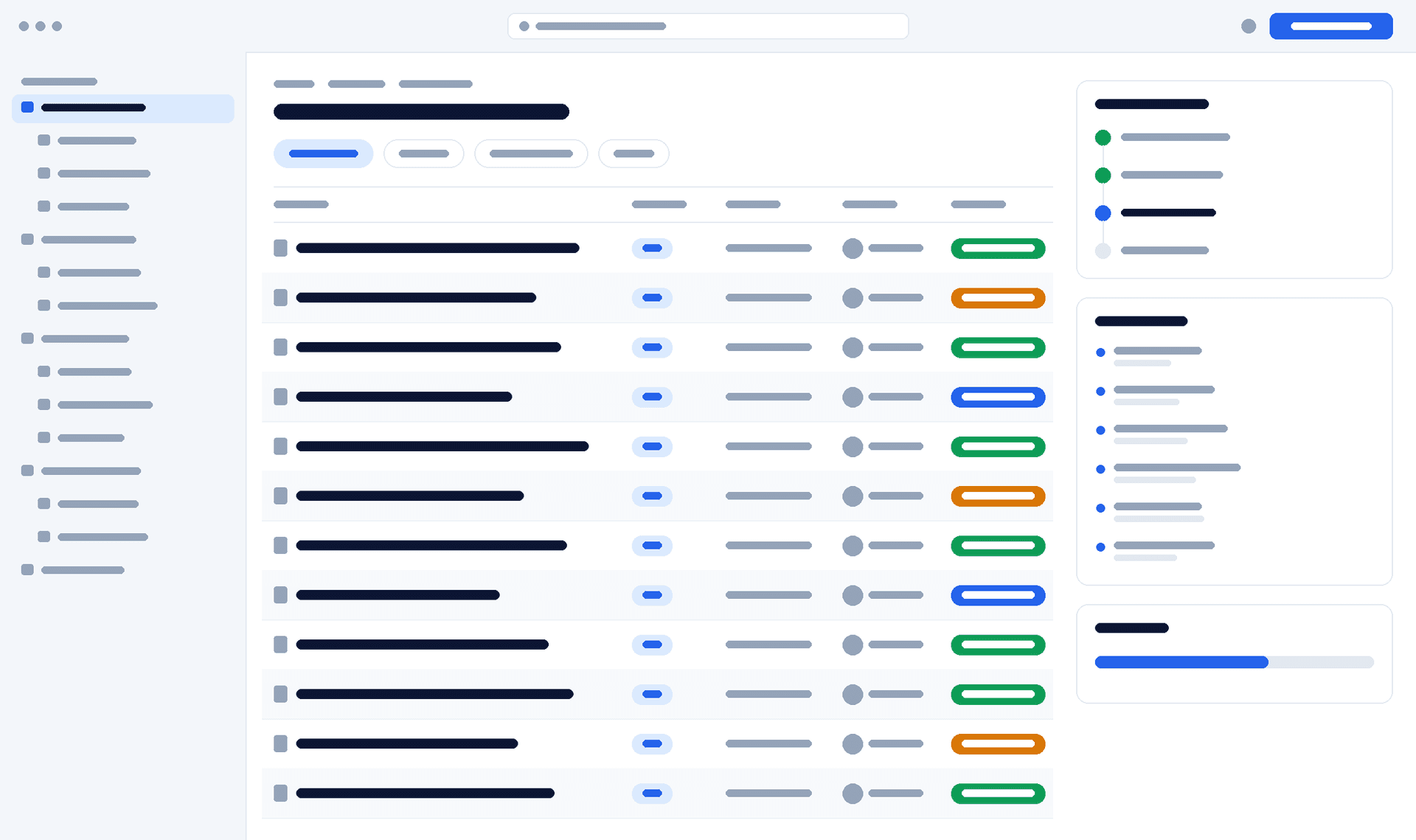
DocumentMS integration settings showing connected Microsoft 365, DocuSign and single sign-on providers alongside configured storage backend and webhook endpoints
client verification — interface wireframe. Replace with a capture of the real integration settings.

How it works

How an integration is set up

The same four steps apply whether you are connecting identity, storage or a downstream system.
  1. Step 1: Register

    Create the application registration or bucket on your side — an Entra ID app, an Okta OIDC client, an S3 bucket with a scoped IAM policy.

  2. Step 2: Connect

    Enter the details in DocumentMS. Credentials for connected systems are stored encrypted rather than in configuration files.

  3. Step 3: Map

    Map directory groups to roles, or choose which document types use which storage backend and which workflows route through DocuSign.

  4. Step 4: Verify

    Test with one user and one document before rolling out. Connection events and permission changes appear in the audit trail.

Specifications

Technical specifications

The numbers a technical evaluation asks for, stated rather than described. Where a limit is configurable, the default and the ceiling are both given.
Integration specifications
PropertyValue
Office editingMicrosoft 365 — Word, Excel, PowerPoint, with check-out held during editing
Email intakeOutlook add-in, plus email-to-folder import from a watched mailbox
Single sign-onOIDC — Microsoft Entra ID, Okta, Google Workspace, with group-to-role mapping
Signature providersBuilt-in capture and DocuSign, selectable per workflow
Storage backendsLocal disk, Amazon S3, Azure Blob Storage — switchable at runtime
APIREST; documents, folders, metadata, versions, permissions, workflows, signatures, audit events
API authenticationScoped API keys with per-key permissions
WebhooksSigned payloads for document, version, approval, signature, permission and deletion events
ClientsWeb, desktop application, mobile and tablet browser
Real-time updatesWebSocket for in-app notifications
Rate limits1,000 requests per minute per key, with a burst allowance of 100 per second; limits and current usage are returned on every response header
API versioning policyVersioned by URL path. A breaking change ships as a new version and the previous one is supported for 12 months from the deprecation notice
SCIM provisioningSCIM 2.0 supported alongside OIDC, so joiners, movers and leavers flow from the directory without a manual step

Security

Security notes

Integrations are the most common way a well-secured system acquires a weak edge, so the controls sit on the credentials and the scopes.

Read the trust centre

  • API keys are scoped: a key can be limited to specific modules and permission levels rather than inheriting a user’s full rights
  • Credentials for connected systems are stored encrypted at rest, not in configuration
  • Webhook payloads are signed so a receiver can verify origin and detect replay
  • Single sign-on means directory deactivation removes access without a separate step here
  • API key creation, use and revocation are recorded in the immutable audit trail
  • Using your own storage backend keeps key management and immutability policies under your control

FAQ

Integrations & API: common questions

Answers to what procurement, IT and compliance teams ask us about this module.
Can people keep working in Word and Excel?

Yes, and they should. A document opens directly in the Office application and saving returns it as a new version, with the document held checked out while it is open. Forcing an editing tool change is one of the reliable ways to lose adoption.

Do we have to move off DocuSign?

No. DocumentMS sends documents into DocuSign for signature and files the completed envelope back as a new version, so the record stays in one place even though the signing happened elsewhere. The choice is per workflow.

Can we keep documents in our own cloud account?

Yes. The storage backend is configurable between local disk, Amazon S3 and Azure Blob Storage, and pointing it at your own bucket or container means the bytes sit under your region, keys, lifecycle rules and logging.

What if there is no packaged integration for our system?

The REST API and webhooks cover the same ground with a documented contract: read and write documents, metadata, versions and permissions, start workflows, and receive events as they happen. Most bespoke connections we see are a few hundred lines of code.

What are the API rate limits?

Rate limits are 1,000 requests per minute per key with a 100 per second burst, and every response carries the limit, the remaining allowance and the reset time as headers so you are never guessing. Breaking changes ship as a new path version and the previous version runs for a further 12 months from the deprecation notice. Both figures are published because a developer needs them before committing to a dependency, and withholding them is a common vendor irritation we would rather not repeat.

A 30-minute session with a solutions engineer, using a folder structure and approval chain that resemble yours — not a generic demonstration tenant.